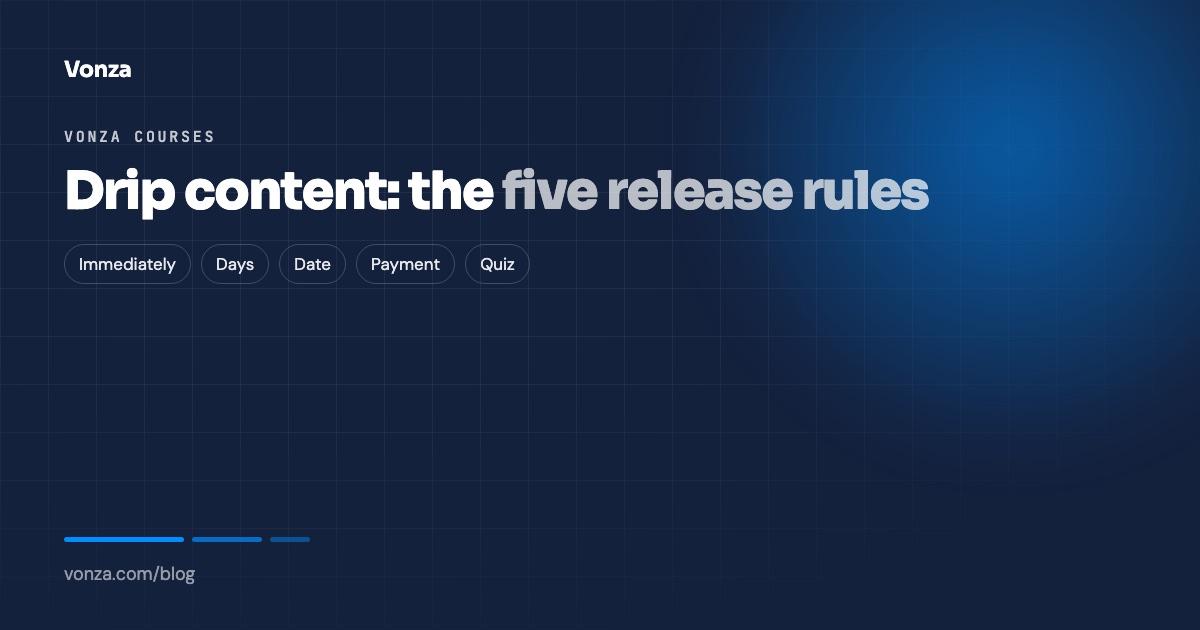
Drip content means releasing a course a piece at a time instead of all at once. Done well, it keeps students in step, protects a payment plan and stops people skipping ahead before they are ready. Done badly, it annoys the student who bought on a Friday night to binge the whole thing. Vonza gives you five release rules, set per section, and this post explains what each one is for.
Where drip lives in Vonza
Open a course, go to Pricing and switch on Release content gradually. A table lists every section of the curriculum with a release rule beside it. The default for every section is Immediately, and the summary line tells you how many sections are held back. You need sections in the curriculum first; drip works on sections, not on individual lessons.
Students see the rule in the student portal: a locked lesson says Unlocks on a date, Unlocks after 2 more payments, or Pass the quiz to unlock, so nobody wonders why they cannot open it.
The five rules
1. Immediately
Every lesson is available the moment a student enrols. Use it for self-paced courses, reference libraries and anything sold as instant access. It is also the right default while you are still building: set rules on the finished sections and leave the rest open.
2. Days after enrolment
The section unlocks a number of days after each student joins. Use it for a paced program where every student starts their own clock: a 30-day challenge, a weekly curriculum, a habit course. Because the clock starts at enrolment, a student who joins in March follows the same rhythm as one who joined in January.
3. On a date
The section unlocks on a calendar date for everyone. Use it for cohorts and live programs where the whole group moves together: week two opens on the 9th for everybody, the live Q&A recording goes in afterwards, and the group arrives at the same place at the same time. It pairs well with live streaming inside lessons.
4. After a payment
The section unlocks once the student has made a given number of payments on an Installment Plan or a Recurring Payment plan. Use it when the price is split: a student on three instalments gets module three after the third payment. It protects you without a chase, and the portal tells the student exactly how many payments are left before the next section opens. The course pricing options page explains the plan types this works with.
5. After a quiz is passed
The section unlocks when the student passes the quizzes you choose. Use it where understanding matters before moving on: safety training, certification prep, anything with prerequisites. Pair it with a pass mark and an attempt limit on the quiz, and the student has to show they know the material. Set the rules up in course quizzes and assignments.
Choosing a rule: a short guide
| You are selling | Use |
|---|---|
| A self-paced course or a library | Immediately |
| A challenge or weekly program anyone can start | Days after enrolment |
| A cohort that moves together | On a date |
| A course on instalments | After a payment |
| A course where each step builds on the last | After a quiz is passed |
You can mix rules in one course: the first section open immediately as a preview, the next three on days after enrolment, and the final project after the quiz.
Three mistakes to avoid
- Dripping a course sold as instant access. If the sales page promises everything now, give everything now.
- Dripping by date on an evergreen course. A student who joins after the dates have passed gets everything at once, which is fine, but one who joins before them waits for no reason. Use days after enrolment instead.
- Holding the certificate hostage. Drip controls lessons; a certificate issues on completion, on full payment or once every quiz is passed. Set that rule separately so the two do not fight.