Teachable is a well-known way to host and sell an online course. The reason creators look for a Teachable alternative is usually not the course hosting; it is everything around the course. Email, community, scheduling, a storefront and invoicing become separate subscriptions, and a creator ends up running a stack. Vonza is built so that one login runs the whole business. This post explains what that means in practice and points you to the dated comparison for the numbers. It replaces an earlier Teachable vs Vonza post.
Prices and fees: read them on the compare page
Vendor prices move, so this post does not print them. The Vonza vs Teachable comparison quotes Teachable’s pricing page as read on a stated date, beside Vonza’s live price, with a capability table, honest reasons to switch or stay, and how free migration works. Read that first if the decision is about money.
What a course-only platform leaves out
A course needs students, and students come from an audience you talk to. On a course-only platform the pieces that build and keep that audience live elsewhere:
- Email and SMS marketing. Vonza includes both, with an automation builder that enrols students, sends sequences and moves contacts when a course is completed.
- Community. Spaces for discussion, events and live sessions beside the course, so students stay after they finish.
- Scheduling. A booking page for coaching calls, group sessions and office hours.
- A store and invoicing. Sell the workbook, the physical product or the done-for-you service next to the course, and bill clients without another tool.
- A CRM. Every contact, tag and purchase in one profile.

What Vonza Courses adds now
The courses module itself was rebuilt in October 2026. If you are weighing a move, these are the parts to look at:
- AI course creation. Upload your recordings and Vonza transcribes them, splits them into lessons and modules, writes summaries and drafts a quiz per module; or describe the course and get an outline in seconds.
- Five sales-page templates. Standard, Original, Cinematic, Bento and Spotlight, tried in a live preview before you use one.
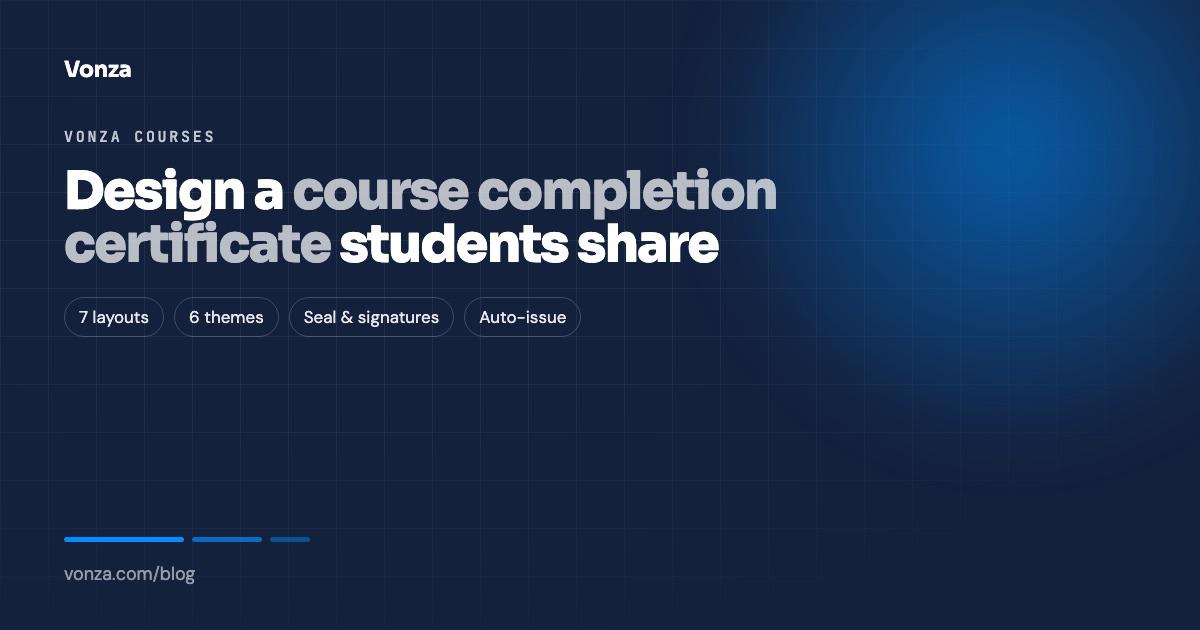
- A certificate designer. Seven layouts, six colour themes, your logo and signatures, issued automatically on completion, on full payment or when every quiz is passed.
- Quizzes and assignments. Four question types, pass marks, retakes, must-pass gating and one grading inbox.
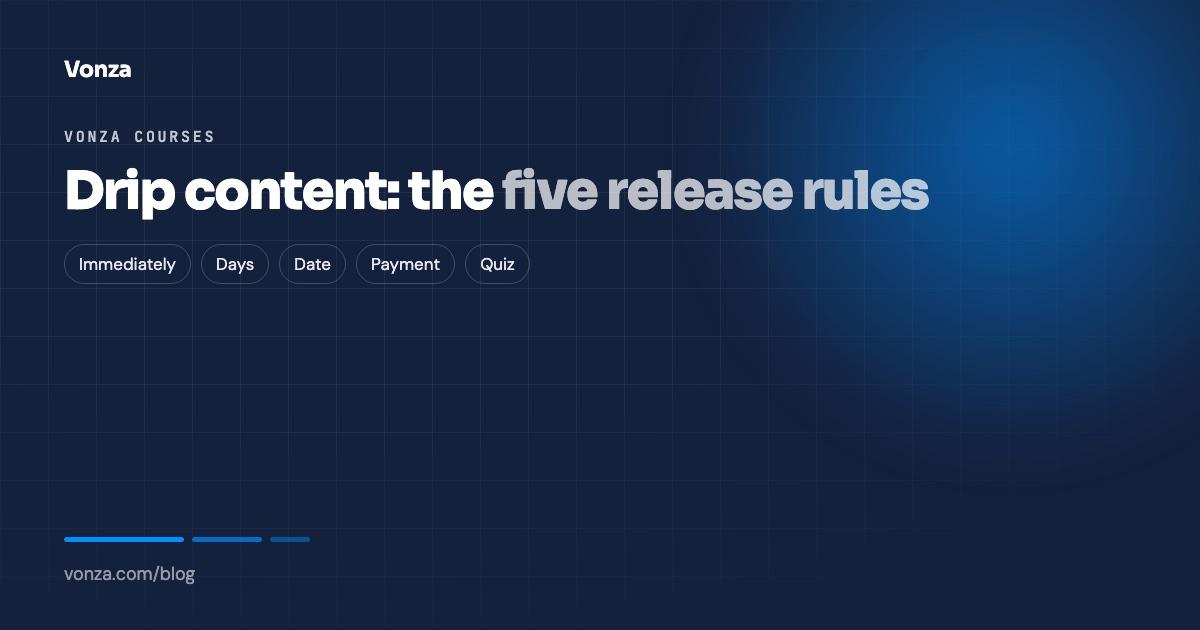
- Seven pricing models. One-time, subscription, recurring, instalments, flexible, pay what you want and free, with coupons, bump offers and drip.
- A student portal on your own domain with progress, a resume-where-you-stopped player, certificates, library and billing.
- Payments through Stripe, PayPal and Paystack, so buyers in Nigeria, Ghana, South Africa and Kenya pay in local currency.

When to stay with Teachable
Be honest with yourself. If you host one course, already run email and community elsewhere and are happy with those tools, a course-only platform is a smaller change. The compare page lists the cases where staying makes sense, from Teachable’s own page.
How a move works
On annual Pro and Business plans the Vonza team moves your courses, communities and scheduling calendar for free; ask support once you are on the plan. Anything else can be moved for a fee. The free migration page has the steps. Your Teachable account keeps running while you look around; every Vonza plan starts with a 14-day free trial.