
To optimize your online store for more sales, make products easy to find, make every product page answer the buyer's questions, keep the checkout short, be clear about shipping and returns, and follow up with people who leave. The 25 ways below go through each of these, followed by the features every successful store has and how to promote a new one.
In today’s highly competitive digital landscape, running a successful online store goes beyond just having a visually appealing website and a wide range of products. To stand out and drive maximum sales in your e-commerce businesses, you must continuously find ways to optimize your online store to meet the evolving needs and expectations of your customers. By adopting effective strategies and implementing smart techniques, you can create a seamless and engaging shopping experience that not only attracts potential customers but also converts them into loyal patrons.
This guide delves into various ways to optimize your online store for maximum sales. We’ll explore key elements such as website design, user experience, product presentation, customer service, marketing tactics, and data-driven decision-making. By implementing these optimization techniques, you can elevate your online store’s performance, increase conversions, and boost revenue, ultimately achieving sustainable growth in the dynamic world of e-commerce.
Let’s dive in and uncover the essential ways that will help your online store reach its full potential and thrive in a competitive market. Whether you’re a seasoned e-commerce entrepreneur or just starting your online venture, these optimization strategies will equip you with the tools to create a compelling and successful online shopping destination. So, buckle up and get ready to enhance your online store’s performance for maximum sales!
What is an Online Business?
An online business, also known as e-commerce, refers to the buying and selling of goods and services over the internet. It has revolutionized the way businesses operate by eliminating the traditional barriers of geography and time. With an online business, entrepreneurs and companies can reach a global audience, expand their customer base, and conduct transactions 24/7, making it a highly convenient and accessible way to engage in commercial activities.
Online businesses come in various forms, including online stores (e-commerce websites), digital marketplaces, subscription services, online consulting, and more. These businesses leverage digital platforms to showcase their products and services, accept online payments, and facilitate seamless interactions between buyers and sellers. Additionally, online businesses often utilize digital marketing strategies, such as social media marketing, search engine optimization (SEO), email marketing, and paid advertising, to attract and retain customers.
Operating an online business requires careful consideration of various aspects, including website design, user experience, cybersecurity, payment gateways, and logistics. By harnessing the power of the internet and staying abreast of technological advancements, online businesses can thrive in today’s fast-paced and competitive digital economy, offering consumers unparalleled convenience and choice while driving business growth and success.
How to Create Your Own Online Store
Creating your own online store is an exciting endeavor that opens up new possibilities for showcasing and selling your products or services to a global audience. To get started, you need a well-thought-out plan and the right tools. Here’s a step-by-step guide to help you in the process:
Firstly, define your business idea and identify the products or services you want to offer. Understanding your target audience is crucial, as it will help you tailor your offerings to meet their needs and preferences. Conduct thorough market research to assess the demand for your products and understand your potential competitors. If you sell physical goods, find reliable suppliers and order samples before you list anything; then choose a brand name, register the business where you live, and get advice from an accountant on what you need to report.
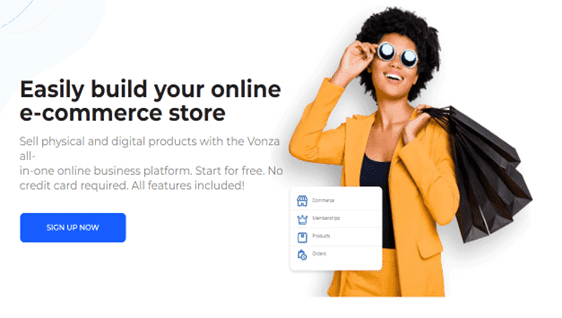
Next, choose an e-commerce platform that suits your needs. There are several options available, each with its own set of features and pricing structures. Consider factors such as ease of use, scalability, customization options, and customer support before making a decision. Our best e-commerce platforms guide compares the main options. On Vonza, a store sells physical and digital products, with stock, shipping zones and a secure checkout.
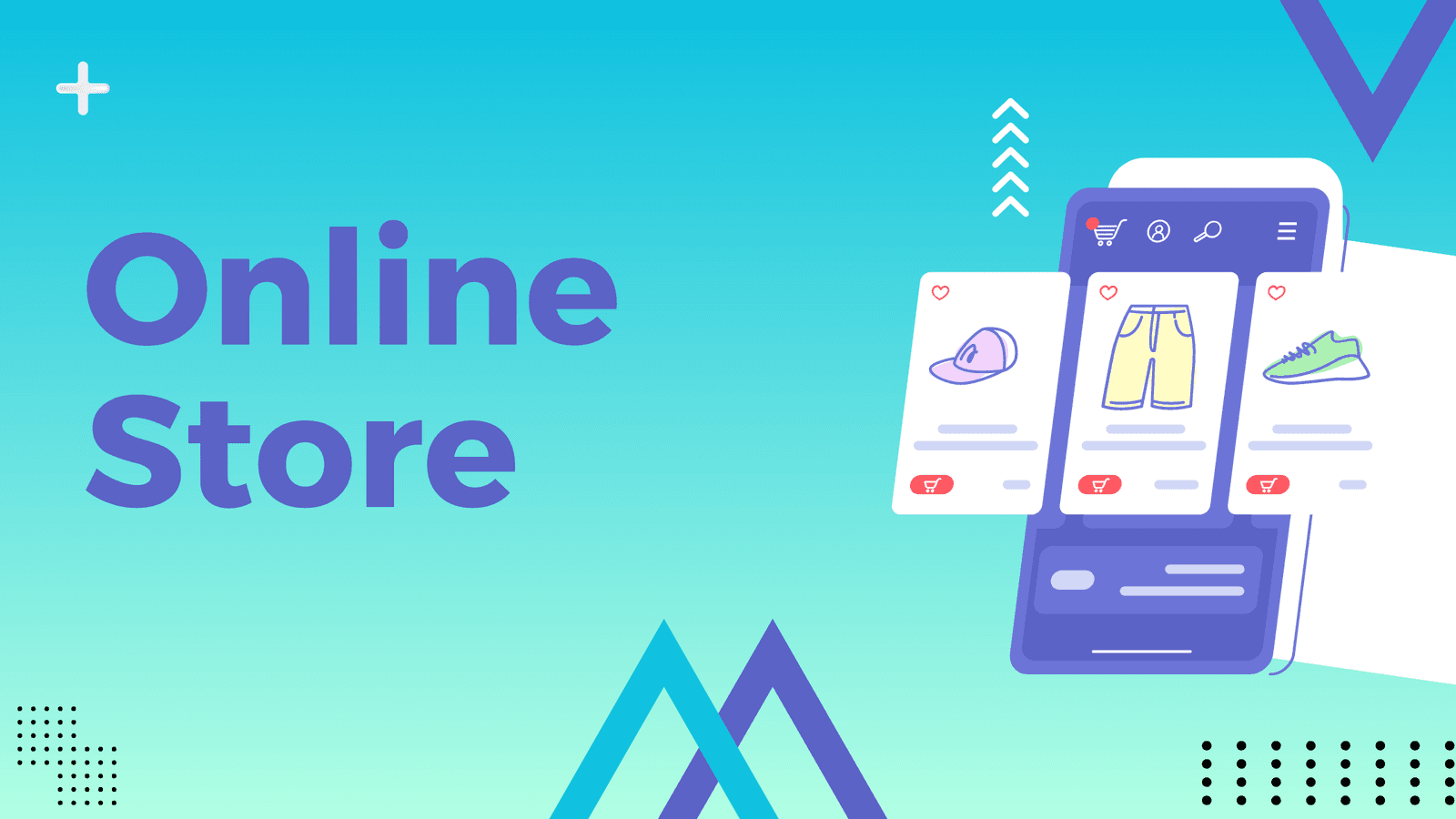
Once you’ve chosen your e-commerce platform, register a domain name that aligns with your brand and business. Selecting a memorable and relevant domain name is essential for building brand recognition and credibility. Setting up a visually appealing and user-friendly storefront is critical to attracting and retaining customers. Many e-commerce platforms offer customizable themes and templates that allow you to create a professional-looking website without advanced coding skills. After setting up your storefront, it’s time to add your products or services. Ensure that each item has high-quality images and detailed descriptions to entice potential customers and provide them with the necessary information to make a purchase. Enable secure and convenient payment options for your customers. Integrating trusted payment gateways will give your customers confidence in making transactions on your online store. Shipping is another crucial aspect of your online store. Offer various shipping options and clearly display shipping costs and estimated delivery times to provide transparency to your customers. To build trust and credibility, implement security measures to protect your online store and customers’ sensitive data. Obtaining an SSL certificate is essential for encrypting data transmission and ensuring a secure browsing experience.
Provide excellent customer support by offering multiple communication channels. Promptly address customer inquiries and concerns to enhance customer satisfaction and loyalty. Market your online store through various channels to drive traffic and sales. Utilize social media, content marketing, email marketing, and SEO to increase your online visibility and reach your target audience effectively. Regularly analyze your store’s performance using analytics tools. Track metrics such as traffic, conversion rate, and customer behavior to identify areas of improvement and make data-driven decisions.
25 Ways to Optimize Your Online Store for Maximum Sales
To optimize your online store for maximum sales is to boost revenue and improve your business’s overall performance. Here are 25 effective ways to achieve that goal:
1. Streamlined Navigation
A streamlined navigation system ensures that your website is user-friendly and easy to navigate. Organize your product categories logically and make sure the main menu is clear and accessible. Use drop-down menus or sidebar filters to help users quickly find what they’re looking for.
2. Mobile-Friendly Design
With the increasing use of mobile devices, having a mobile-friendly website is crucial. Use responsive design to ensure that your website adapts to different screen sizes, making it easy for mobile users to browse and shop in your store.
3. Page Load Speed
Optimize your website’s loading speed to provide a smooth user experience. Compress images, enable browser caching, and use a reliable hosting provider to reduce loading times and minimize bounce rates.
4. High-Quality Product Images
High-quality product images are essential for showcasing your products effectively. Invest in professional photography that captures your products from various angles, providing customers with a clear view of what they’re purchasing.
5. Clear Product Descriptions
Write detailed and persuasive product descriptions that highlight the unique selling points and benefits of each item. Answer potential questions customers might have, and use persuasive language to encourage purchases.
6. Product Reviews and Testimonials
Display customer reviews and testimonials on your product pages to build trust and credibility. Positive reviews from satisfied customers can influence potential buyers and increase their confidence in making a purchase.
Minimize the number of steps required to complete the checkout process. Avoid asking for unnecessary information and offer guest checkout options to reduce friction and cart abandonment rates.
8. Multiple Payment Options
Offer a variety of payment methods to accommodate different customer preferences. Common options include credit/debit cards, PayPal, Apple Pay, Google Pay, and other digital wallets.
9. Free Shipping or Flat-Rate Shipping
Consider providing free shipping or flat-rate shipping to incentivize purchases. Shipping costs are often a significant factor in the purchase decision, and offering free or affordable shipping can encourage customers to complete their orders.
10. Exit-Intent Pop-ups
Use exit-intent pop-ups to capture the attention of visitors who are about to leave your site. Offer special deals, discounts, or free resources to entice them to stay or return to your store later.
11. Upselling and Cross-selling
Implement upselling and cross-selling strategies to encourage customers to spend more. Suggest higher-tier products or complementary items that enhance the value of their purchase.
12. Abandoned Cart Recovery
Set up abandoned cart recovery emails to remind customers of their unfinished purchases. Offer incentives like discounts or free shipping to entice them to come back and complete their orders.
13. Limited-Time Offers and Flash Sales
Create a sense of urgency and excitement by offering limited-time promotions and flash sales. Limited-time offers can prompt customers to make quicker purchasing decisions to avoid missing out.
14. Personalization
Use customer data to personalize the shopping experience. Show product recommendations based on their browsing history and previous purchases to increase the chances of conversion.
15. Trust Badges and Secure Payment Icons
Display trust badges, security seals, and secure payment icons prominently on your website. These symbols reassure customers that their personal and financial information is safe and protected.
16. Clear Return Policy
Make your return policy clear and easy to understand. A transparent and hassle-free return policy builds trust and confidence in your customers, reducing purchase hesitations.
17. Live Chat Support
Offer live chat support to assist customers in real-time. Live chat allows customers to ask questions and receive immediate responses, helping them make informed purchase decisions.
18. Loyalty Programs
Implement a loyalty program to reward repeat customers and encourage brand loyalty. Offer points, discounts, or exclusive perks to incentivize repeat purchases.
19. Social Proof
Display social proof elements like the number of social media followers, likes, and shares to showcase your brand’s popularity and reliability.
Utilize email marketing to stay connected with your customers. Send personalized offers, product updates, and valuable content to keep customers engaged and encourage repeat purchases.
21. A/B Testing
Conduct A/B testing on different website elements, such as the layout, call-to-action buttons, colors, and product placements. Testing helps identify which variations perform better and drive more conversions.
22. SEO Optimization
Improve your website’s search engine optimization to attract more organic traffic. Use relevant keywords, optimize meta tags, and create valuable content to rank higher in search engine results.
23. Retargeting Ads
Use retargeting ads to re-engage previous website visitors who didn’t make a purchase. These ads can help remind potential customers of your products and entice them to return to your store.
24. Influencer Marketing
Partner with influencers in your niche to reach a broader audience and gain credibility. Influencers can promote your products to their followers, driving more traffic and potential sales to your store.
25. Continuous Analytics and Improvement
Regularly analyze your website’s performance, customer behavior, and sales data. Use the insights to identify areas for improvement and make data-driven decisions to optimize your online store continually.
By implementing these optimization strategies, you can optimize your online store to attract more customer. Maximize sales and lead to a more successful and profitable e-commerce business.
13 features of a successful online store
The best-selling stores share the same foundations. Check yours against this list:
- Credibility. A real About page, contact details, clear policies and a secure (HTTPS) site.
- The right range. Enough choice to compare, organised in categories that make sense to the buyer.
- A convenient shopping experience. Search, filters and a cart that remembers what was added.
- Detailed product pages. Photos from every angle, sizes, materials, delivery times and answers to common questions.
- Social media links and sharing. Easy ways to follow you and share a product.
- Fresh content. Guides, lookbooks or a blog that help buyers choose.
- Ease of use on every device. Pages that work as well on a phone as on a laptop.
- Good customer service. Fast replies by email or chat, and a clear way to reach a person.
- Variety within products. Options such as size and colour, each with its own stock.
- An effortless purchase. A short checkout, guest checkout, and the payment methods your buyers use.
- An active social presence. Real posts and conversations, not only ads.
- Product reviews. Honest reviews from real buyers, shown on the product page.
- Personalization. Recommendations and emails based on what each customer looked at or bought.
How to promote your online store
- Social media. Post where your buyers spend time, show products in use, and link straight to product pages.
- Email marketing. Collect emails from the first day with a small incentive, then send new products, offers and useful content.
- Search engine optimization. Give every product its own title, description and URL written around what people search for, and publish guides that answer buyers' questions.
- A blog. Articles such as gift guides, how-tos and comparisons bring in search traffic and link to products.
- Paid ads and search marketing. Once you know which products sell, use paid social, shopping and search ads to reach more of the same buyers.
- Reviews and testimonials. Ask every buyer for a review, and share the best ones.
- Creators and partners. Work with creators in your niche, or run an affiliate programme that pays a commission on each sale.
Optimizing a Vonza store
A Vonza store sells physical and digital products with stock and shipping zones, delivers digital products as a download link right after payment, takes coupon codes at checkout, gives each product its own SEO title, description and URL, and shows sales and customers in built-in analytics. Payments go through your own connected Stripe or PayPal account, or through Paystack for sales in Nigerian naira.
Vonza's newer store pages, which a seller can switch on, add a cart and a choice of Classic, One step or Two step checkout, an order bump at checkout, a one-click offer after payment, a countdown timer and a recent-sales popup. To add more to each order outside the store, see order bumps and upselling and cross-selling.
Conclusion
To optimize your online store for maximum sales is a multifaceted endeavor: a fast, mobile-friendly store that is easy to navigate, product pages that answer every question, a short checkout with the right payment methods, clear shipping and return policies, offers that add value to each order, and steady promotion. Analyse what sells, test one change at a time, and keep improving.
Build and run your online store with Vonza, starting with a 14-day free trial.